
Speak to Type,
Point to Do
Meet Jethro, the Virtusx AI mouse with voice typing that listens, types, and remembers.
 Gmail
Gmail
 Slack
Slack
 Word
Word
 Notion
 WhatsApp
 Google Docs
 Outlook
 ChatGPT
 Teams
Teams
 PowerPoint
 WeChat
 Excel
Excel
Click. Speak. Done. In any app.

Your voice carries more of your day than you realize.
Every day is filled with things worth keeping. The words you would normally type. The conversations, ideas, and decisions that happen along the way.
Speak instead of type. Press a key to start recording a meeting. Virtusx captures each new input and turns it into a personal memory that stays with you.
From voice to input. From input to memory.
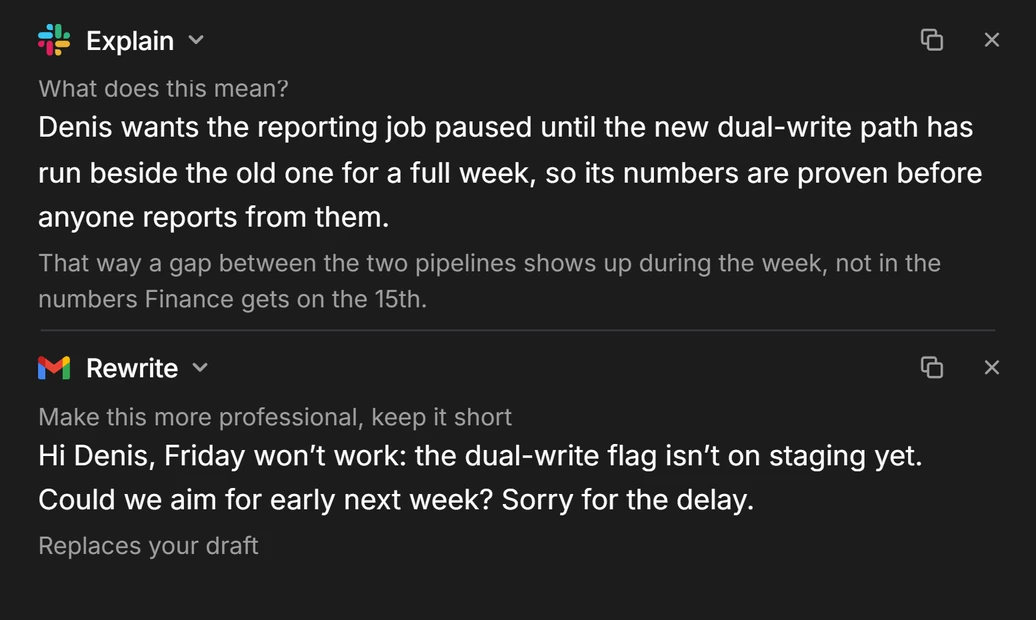
Speak to write. Anywhere.
Hold the mic key and dictate emails, notes and documents in any app, on Windows and Mac.

Record. Summarize. Remember.
Press once when the meeting starts. Get who said what, a summary, and the to-dos. Find any of it weeks later.

Jethro.
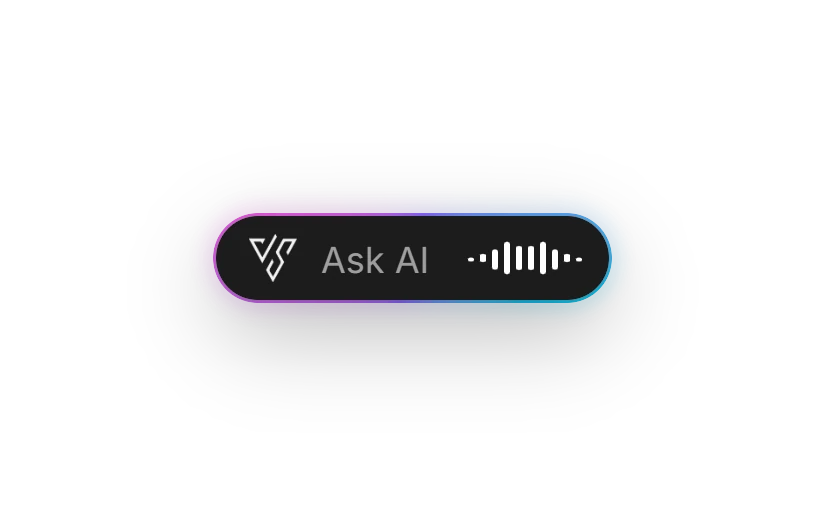
Push to talk, release to send. Any window, any app.
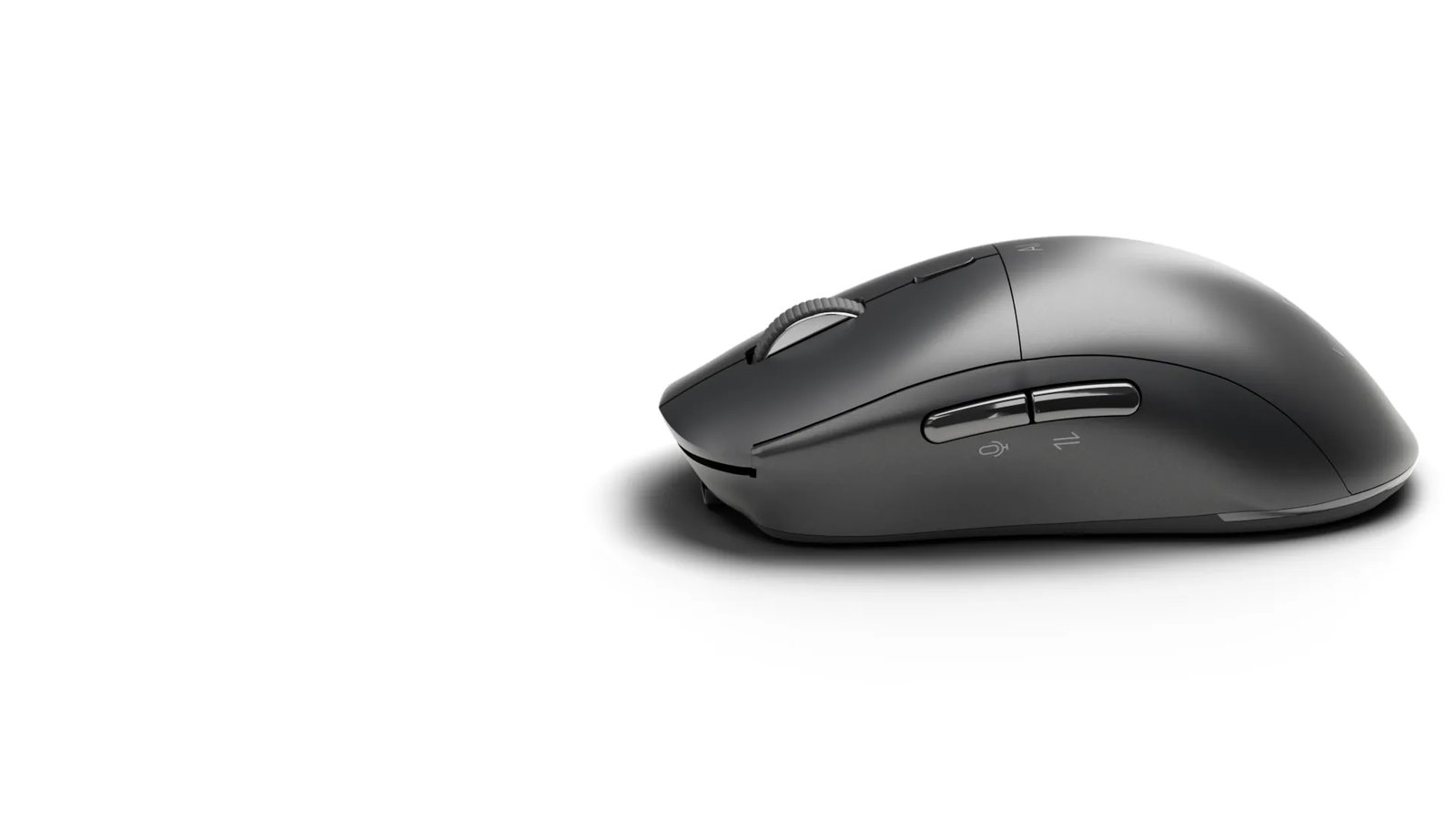


- 30 dayson one charge
- 2.4 ozlight in the hand
- 3 devicespaired at once
- 4,000 DPIadjustable from 800
Mic key · AI key · Translate key · USB-C · Windows and Mac
One app behind every key.
Dictation
Any app · Windows · Mac

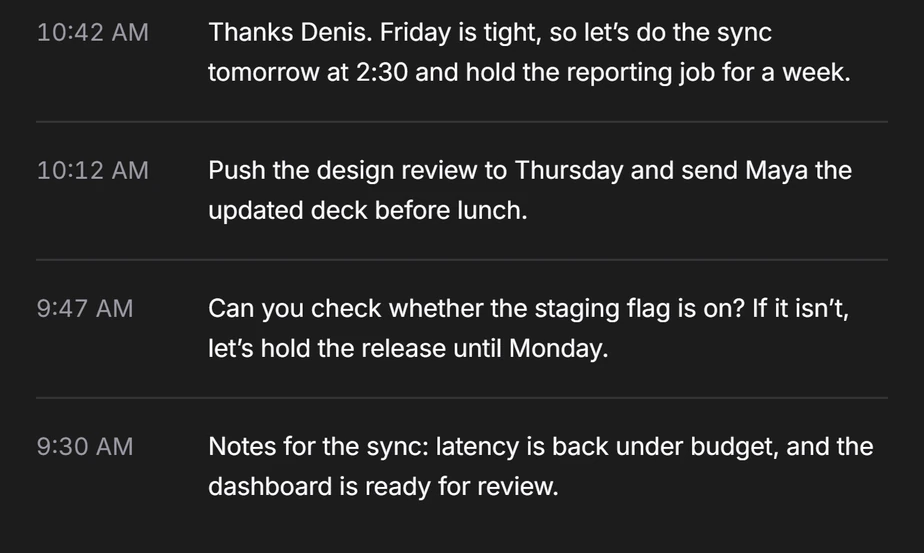
Meeting
Speaker ID · Summary · To-dos


Point
Hold · Ask · Result
Frequently asked questions
Yes. The Virtusx Jethro AI Mouse has a built-in microphone and a dedicated voice button. Put your cursor in any text field, hold the button, speak, and release — your words appear in Word, Gmail, Slack or any other app, in 50+ languages, through the free Virtusx AI App.
Yes. Windows Voice Typing needs Windows + H, a click on the microphone icon, a wait for "Listening…" and another click to stop. With the Jethro AI Mouse you just hold the voice button, speak and release — your hand never leaves the mouse.
Yes. Hold the Translation button to translate your speech in real time, or click it to translate a single word. Translation runs in the free Virtusx AI App on Windows and macOS.
Yes. Click the AI button to open AI chat with ChatGPT, Claude, Gemini or Grok, or hold it for AI voice typing — no browser tab or copy-paste needed.
Yes. With the Virtusx AI App it records online and in-person meetings, labels each speaker and gives you a one-click AI summary you can share by email or link. It works with any meeting, not one specific app.
Yes. It works with Windows 10 and 11 and macOS 12 or later through the free Virtusx AI App, and connects with its 2.4 GHz USB receiver, Bluetooth or a wired USB-C cable. Voice typing also works offline.

