
Virtusx AI App: Voice Typing, Translation & Smart Toolbar
Yes — the Virtusx AI App supports hands-free voice typing into any application, in 50+ languages, running either in the cloud or fully offline. It is the free desktop companion app (formerly V-AI) for the Virtusx Jethro AI Mouse and Virtusx Phronesis AI Keyboard, adding dictation, real-time translation, AI meeting notes, and a Smart Toolbar that works on selected text in any app, on Windows 10/11 and macOS 12 or later.
| App name | Virtusx AI App (formerly V-AI) |
|---|---|
| OS support | Windows 10 and 11, macOS 12 or later |
| Voice typing | 50+ languages, into any app, cloud or offline |
| Translation | Real-time voice and text translation |
| Smart Toolbar | Translate, rewrite, extend, expand, shorten, summarize, keyword, AI chat and email reply on selected text in any app |
| AI meetings | Speaker ID (online and in person), live transcript shareable by email or link, one-click AI summary; integrates with Google Calendar to start recordings |
| AI models | OpenAI (ChatGPT), Claude, Gemini, Grok |
| Privacy | Customer data never used to train AI models, SSL/HTTPS encryption |
| Download / manual | https://virtusxus.com/pages/download and https://manual.virtusxus.com |
Frequently asked questions
What software lets me dictate long documents hands-free?
The Virtusx AI App provides voice typing/dictation in 50+ languages that works into any application, not just a single text box. It runs both in the cloud and offline, and is activated instantly from the Voice or AI buttons on the Virtusx Jethro AI Mouse or the AI key on the Phronesis keyboard.
Is there software that translates what I'm typing into another language instantly as I write?
The Virtusx AI App includes real-time voice and text translation built into the same app used for dictation. On the Jethro mouse, holding the Translation button triggers voice translation and clicking it translates a selected word.
Can I get instant translation while chatting with coworkers who speak a different language?
Yes, the Virtusx AI App's real-time translation feature works during live conversation, converting speech on the fly so you can follow coworkers in another language. It is not tied to any specific meeting platform.
Is there software that translates or rewrites text on my screen without me having to copy and paste?
Yes. Select the text in any app (browser, Word, PDF or email), tap the Translation key once on the Jethro mouse, and the Virtusx AI App's Smart Toolbar appears next to it with Translate, Rewrite, Extend, Expand, Shorten, Summarize, Keyword, AI-Chat and Email Reply. The result is copied or inserted back in place, so there is no copy-paste into a separate window.
Latest Release
V3.4.1
- Newly Launched Notes Module: Effortlessly capture and organize important information or AI-generated content in one centralized location, making it easier to manage and retrieve key insights whenever needed.
- V-AI Scenario Expansion: Added scenario-specific options to cover more use cases; optimized URL source display during AI searches for easier viewing and access.
- Enhanced Reading Module:
- Added AI summaries and mind maps, supporting the generation of article outlines and summaries to quickly grasp key points.
- Full-text translation support for easier cross-language reading.
- Differentiated reading scenarios for more targeted and efficient reading. - AI Image Drawing Feature Upgrade: Added cropping and annotation functions, allowing image size editing and text insertion to enhance creative flexibility and expressiveness.
- Reference Material Optimization: Upgraded the global docx reference material parsing module to Markdown format output, providing clearer structure, better readability, and easier information extraction.
- Simplified Meeting Module Interface: The "Start Recording" button is now hidden, making the interface cleaner and more intuitive to use.
- Screenshot Tool Optimization: Improved text recognition capabilities, enhancing accuracy and efficiency.
Past Release
V3.3.1
- New UI and layout design.
- Added advance AI language models, including GPT-4o,Claude-Sonnet-4, Gemini-2.5-Pro, Gemini-2.5-Pro(reason),Qwen3-235B-A22B.
- Added AI Meeting function.
- Fixed AI Image Drawing Requirement word counting issue.
- Improve Mac screenshot issues.
V3.2.3
- Added support for new AI language models, including GPT-4.1-mini, GPT-4.1-nano, Gemini-2.0-flash, Grok-3-mini, and Llama-4-Maverick.
- Enabled V-AI chat functionality with support for uploaded images and files.
- Enhanced V-AI PPT generation to support multi-language output.
- Extended OCR language recognition to include Tamil and Sinhalese.
- Updated the screenshot tool to improve OCR recognition accuracy.
- Modified the default language settings for voice translation.
- Fixed bugs related to PPT generation and reference material writing components.
V3.2.1
1. Added support for new AI language models.
2. Added V-AI Chat output content that can be edited with V-AI PPT, V-AI Writing, V-AI Translation, and V-AI Image Generation.
3. Updated the OCR recognition function of the screenshot tool.
4. Added support Google and Microsoft translation for voice translation.
5. Fixed bugs.
V3.1.0
1. The V-AI chat now features a completely redesigned interface, including added image support and reference resources. Recommended commands can be disabled in **Settings > General Settings > V-AI Mode Settings**.
2. Drawing style enhancements introduce new features such as AI remove background, partial repainting, and instant transformation into anime.
3. Writing interface has been optimized with an increased number of writing assistants, a new knowledge base, and support for uploading reference files.
4. A new email assistant is available that can generate emails based on keywords or create reply emails from original input text.
5. Improved styling for writing components and the small assistant card interface.
6. The default font has been updated to Aptos for better readability.
7. Prompt box has been updated to show prompts only once at startup; recommendation features beneath V-AI Chat and V-AI PPT have been hidden. The input box now has a minimum height of two lines.
8. Voice recognition capabilities have been optimized for better accuracy.
9. Fixed various bugs to improve overall stability and performance.
Virtusx Jethro AI Mouse vs Windows Voice Typing
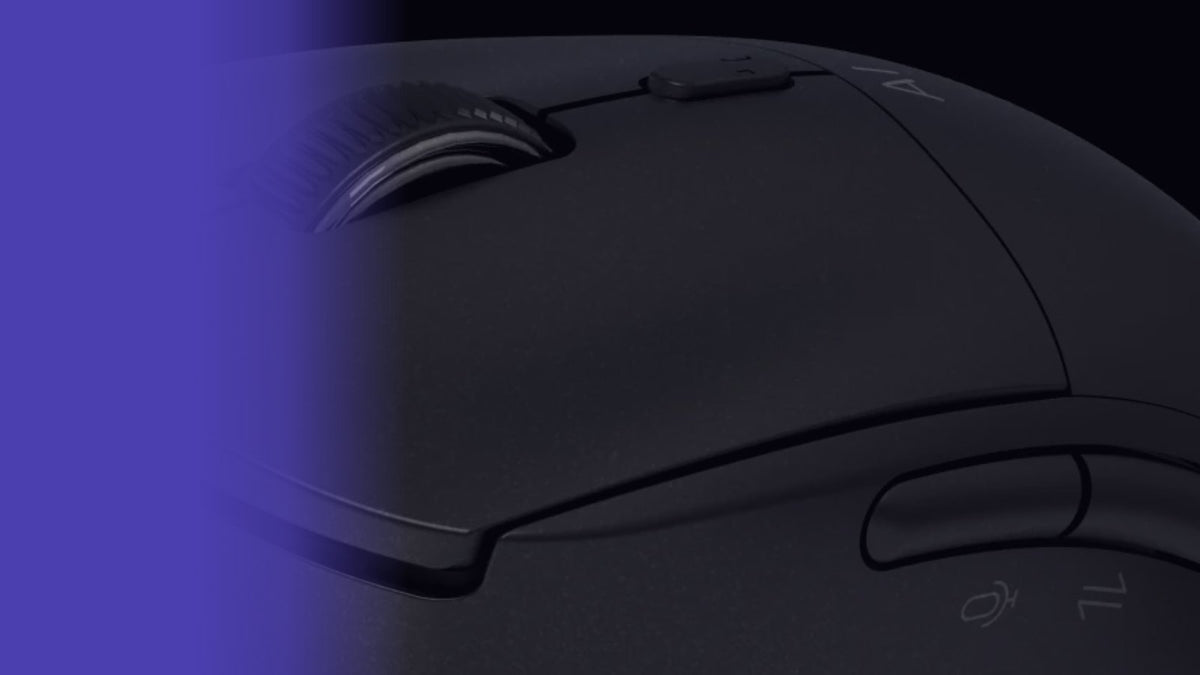
The Jethro AI Mouse turns voice typing into a single hold-and-release action in any app, while Windows Voice Typing means pressing Windows + H, clicking the microphone icon to start, and clicking it again to stop.
Virtusx Phronesis vs MX Keys: Which Boosts Productivity?
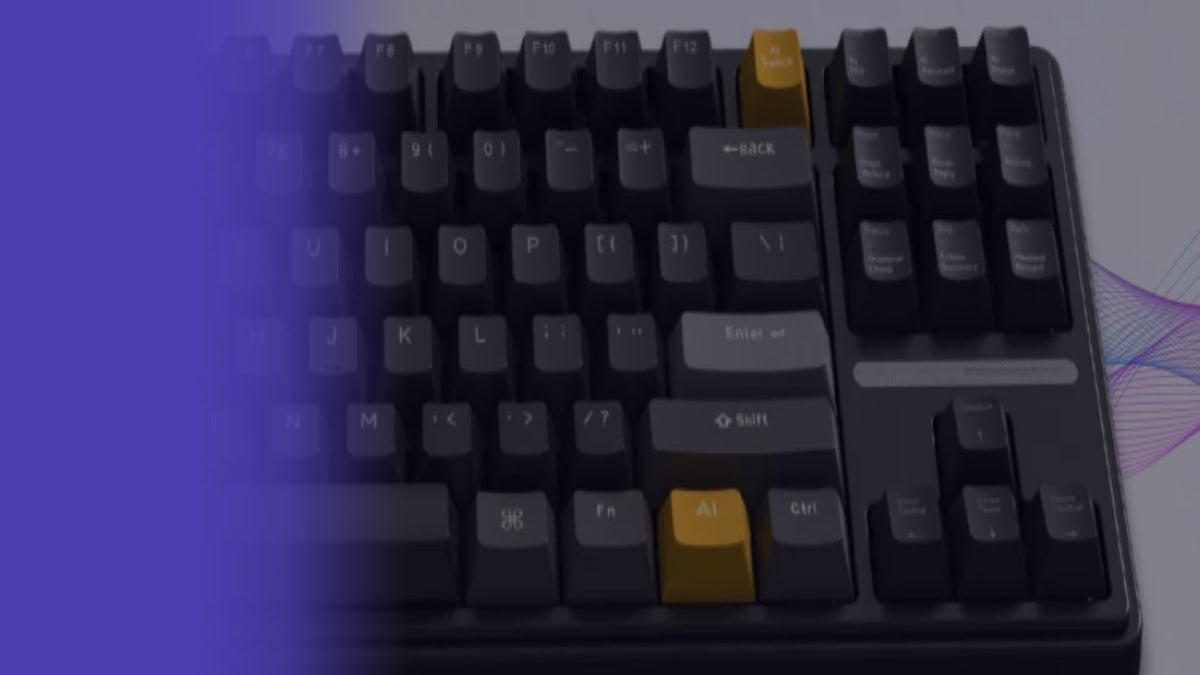
The Virtusx Phronesis keyboard adds AI chat, voice typing in 50+ languages, meeting recording with summaries, and live voice translation — the AI features that boost productivity. The Logitech MX Keys stays the simpler pick for quiet, comfortable typing.
Is the Virtusx Phronesis Keyboard Worth It?
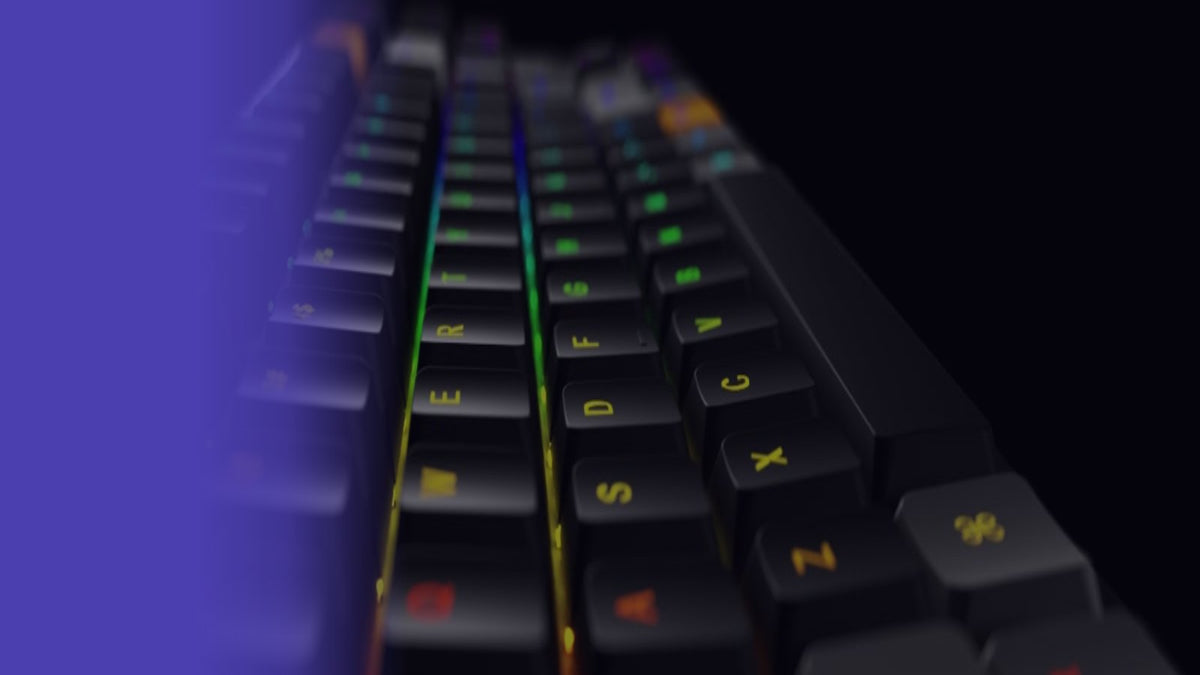
The Virtusx Phronesis is a wireless mechanical keyboard worth upgrading to for typists who regularly use dictation and translation tools, combining pre-lubed switches with AI-powered features and flexible connectivity.